
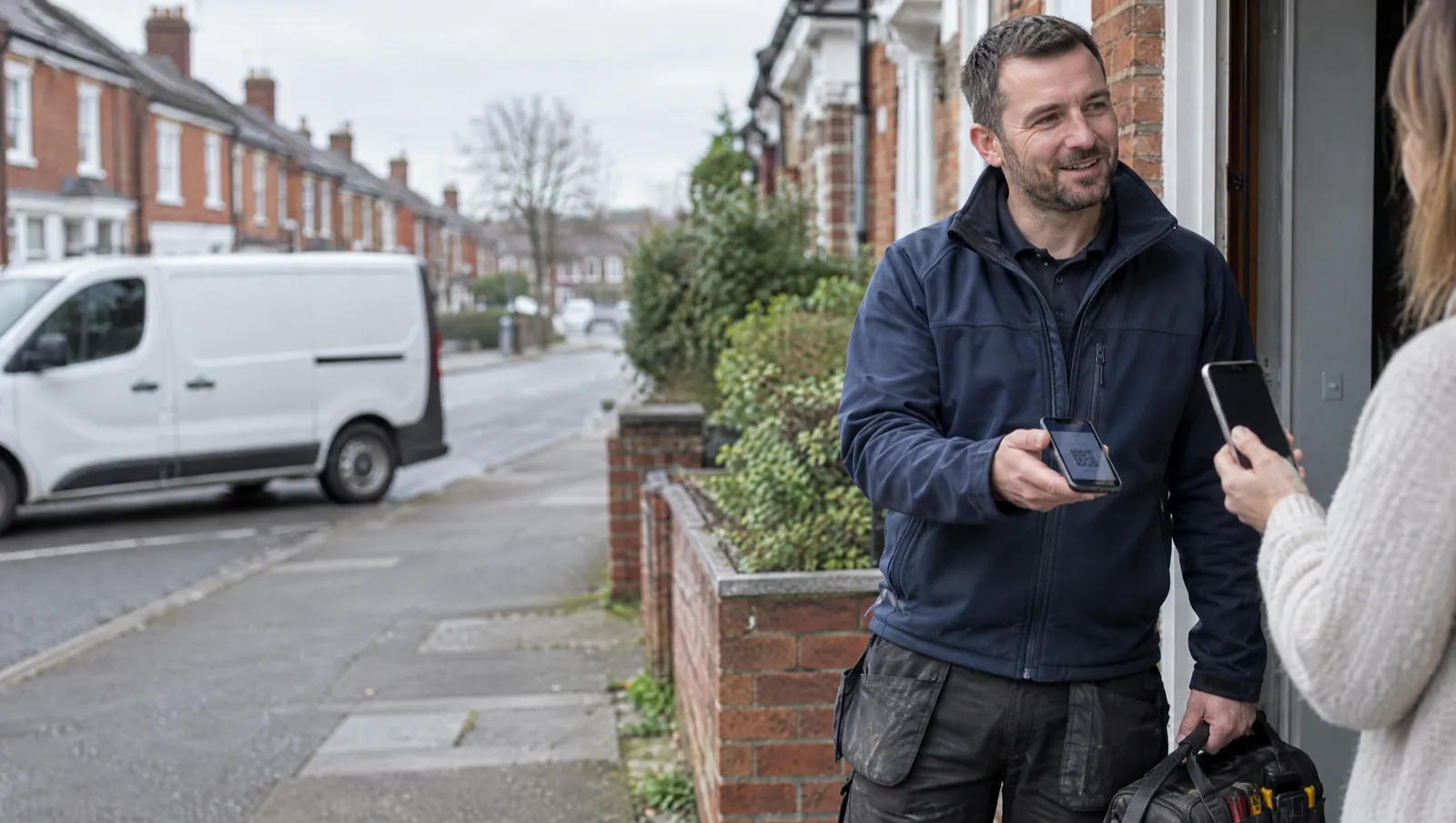
The job’s done, the heating’s back on, and the customer says they’ll sort the bill tonight. A month later you’re on your second reminder.
It happens to most of the trade. In a Censuswide survey for Direct Line of 500 tradespeople, run in November 2025, 68% were chasing at least one late payment and the average owed was £2,023. FreeAgent looked at the invoices its small business customers sent between September 2024 and August 2025 and found 62.6% were paid late. In the same research, 43% of owners said they’d had to write money off.
Most late payers mean to pay you and find it a faff: they need your sort code, they have to type it into their banking app, and the invoice sinks down their inbox before they get round to it. Making payment quicker than putting it off fixes a lot of that, and much of it comes down to which payment provider you use.
The three most heating, plumbing and HVAC firms end up choosing between are Stripe, SumUp and GoCardless. They do different jobs, and plenty of firms use two of them. We make Mucka, the job management app for heating, plumbing and HVAC firms, and as of this month it connects to all three. We’ll say how that works later, but the comparison stands on its own whatever software you use.
How your customers pay now
Hardly anyone pays in cash now. UK Finance’s latest Payment Markets report found cash was 8% of UK payments in 2025, down from 45% in 2015. Cards made up 64%, and 65% of adults were registered for a mobile wallet such as Apple Pay or Google Pay.
Paying straight from a bank app is growing fast too. Open Banking Limited counted 351 million open banking payments in 2025, up 57% on the year before. That’s the technology behind GoCardless’s Pay by Bank: the customer taps a button, picks their bank, approves it with their face or fingerprint, and the money moves without a card or a sort code.
Most of your customers carry both quick ways to pay in their pocket, and your invoice should offer both.
The three in one table
| Stripe | SumUp | GoCardless | |
|---|---|---|---|
| What it’s for | Card payments on invoices | Card payments, for firms already on SumUp | Bank payments and Direct Debit |
| How the customer pays | Card, Apple Pay, Google Pay | Card, Apple Pay, Google Pay | Approves it in their banking app, or a Direct Debit |
| Standard fee | 1.5% + 20p on a UK card | 2.5% on an online payment | 1% + 20p, capped at £4 |
| Can be charged back? | Yes | Yes | No, for Pay by Bank |
| Best for | Everyday repairs and services | Keeping cards in your existing SumUp account | Big jobs and monthly service plans |
Those are each provider’s standard UK rates. Stripe charges more on premium and international cards, and SumUp’s rates can differ on its paid plans, so check your own account if you’re on something other than the standard.
What each one costs on a real job
Fees as a percentage are hard to feel. Here they are in pounds, on three typical jobs, including the flat 30p Mucka adds to each card-paid invoice (it adds nothing to bank payments):
| £150 boiler service | £500 repair | £3,000 boiler swap | |
|---|---|---|---|
| Stripe card | £2.75 | £8.00 | £45.50 |
| SumUp card | £4.05 | £12.80 | £75.30 |
| GoCardless Pay by Bank | £1.70 | £4.00 | £4.00 |
The bank payment hits its £4 cap at about £380, so from there up it costs the same whatever the job. That last column is why plenty of firms take cards on small jobs and bank payments on installs.
Stripe: cards on every invoice
Stripe is behind the Pay button in a lot of invoicing software. It’s cheaper than SumUp on a standard UK card, and it can do more than take a one-off payment: in Mucka, Stripe lets you save a customer’s card when you book the job and charge it once the invoice is raised, which suits landlords and letting agents who are slow to pay.
The catch with any card payment is the chargeback. A customer can dispute a card payment through their bank, sometimes months later, and you have to prove the work was done. That’s a nuisance on a £150 service and a real risk on a £6,000 install.
Money from cards also takes a few days to reach your bank. Stripe pays card money out in batches, so it arrives as one sum covering several jobs.
SumUp: if you already have the reader
A lot of trades bought a SumUp card reader years ago, and their takings already land in a SumUp account. If that’s you, keeping your invoice payments in the same place is simpler than opening a second account. Your customer pays on SumUp’s own page, by card, Apple Pay or Google Pay.
The trade-off is the fee. SumUp’s standard online rate is 2.5% with no fixed charge, which is more than Stripe on any payment over £20. On £50,000 a year of card-paid invoices averaging £250, that’s about £460 more than the same through Stripe. Some firms decide the single account is worth it. If you’re starting from nothing, Stripe costs less.
GoCardless: bank payments and Direct Debit
GoCardless does two things, and they’re easy to mix up.
Pay by Bank is for one-off invoices. The customer taps Pay by bank transfer, approves it in their banking app, and the payment clears in minutes. The fee is 1% plus 20p, capped at £4, and because the customer pushed the money from their own bank, they can’t charge it back. It’s the cheapest way to get paid on any job over a couple of hundred pounds.
Direct Debit is for money that should arrive every month without anyone asking: service plans and maintenance contracts. The customer sets the mandate up once, and you collect each month from then on. A Direct Debit takes a few working days to collect, and the Direct Debit Guarantee lets a customer claim a refund from their bank if something goes wrong, which is part of why people are happy to sign one.
Which should you use?
- Doing mostly repairs and services, starting from nothing: Stripe for cards, plus Pay by Bank for anything bigger.
- Already taking cards with a SumUp reader: SumUp for cards if one account matters more than the fee, plus Pay by Bank.
- Doing installs: turn cards off above a figure you’re comfortable with, and let Pay by Bank take the big ones.
- Selling service plans or maintenance contracts: GoCardless Direct Debit.
Putting a card and a bank option on the same invoice matters more than which provider you pick. The customer uses whichever is quickest for them, and you aren’t waiting for them to find your sort code.
How it works in Mucka
All three connect in Settings, under Money, Getting paid, and the money goes straight into your own account. It never passes through Mucka, and card details never touch Mucka’s servers.
Connect Stripe or SumUp and every invoice carries a Pay button: on the email, on the PDF and on the invoice’s own page. One of them takes the cards at a time, so your customer never has to choose between them, and you can switch if you have both connected. If you’re already on Stripe, sign in with that login and your business and bank details carry across, so there’s almost nothing to fill in.
Switch on GoCardless Pay by Bank and every invoice also gets a Pay by bank transfer button, beside the card button or on its own. Turn cards off on a single invoice, or on anything over a figure you set, and the bank button stays, because a big bill is where it saves most. The same GoCardless connection runs Direct Debit for service plans: the customer agrees to their cover on their own plan page, sets the mandate up on GoCardless’s secure page, and Mucka collects each month and raises the invoice against it. A payment that fails gets chased, and the customer’s cover isn’t pulled the same day.
On the doorstep, Take payment on site puts the same payment page on the job screen as a QR code. The customer scans it with their own phone and pays before you’ve packed the van, and there’s no card reader to buy. Collecting has its own permission, so an engineer can take the money without seeing your invoice book.
However the money arrives, the invoice marks itself paid and goes across to Xero, QuickBooks or FreeAgent. A finished job moves to Completed on its own, and Mucka can email the customer a receipt. If an invoice does go overdue, Mucka can chase it on the days you pick, with the pay link in the reminder.
Get paid before you leave
Whichever provider you choose, the habit that gets you paid fastest is asking for the money while the customer is stood in front of you, with the heating back on, and giving them a way to pay in ten seconds. Our guide to getting paid faster covers the rest of the process, from payment terms to chasing.
If you’d like all three set up for you, try Mucka free for 14 days and connect them from Settings, Money, Getting paid. Your next invoice goes out with a Pay button and a bank option on it.


 Book a demo